Knox Suite Enterprise Plan in financial services: where it helps document technical controls for mobile devices
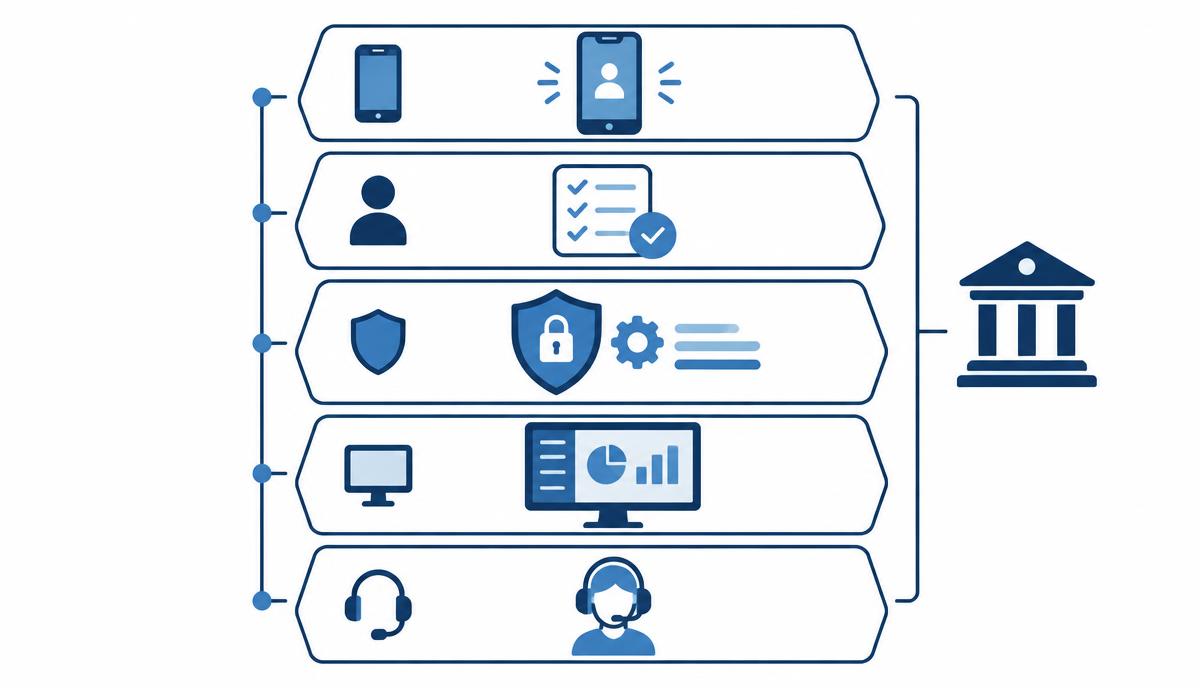
In financial services it is not enough for a control to work – you also have to be able to show that it works.
At banks, insurers and other financial service providers, a mobile device is not just a work tool: client data, access to internal systems and approval workflows run on it. So the question is not only whether the phone is secure, but whether this can be demonstrated in a documented, auditable way. In this article we go through where the Samsung Knox Suite – Enterprise Plan provides tools for this – and where it does not.
Why are expectations stricter here?
- Client data: personal and financial data may appear on the mobile device.
- Internal systems: email, CRM and approval apps are reachable from the phone.
- Auditability: when internal audit or the supervisory authority asks, you must be able to show which control applies and since when.
The regulatory framework includes Article 32 of the GDPR (security of processing) and the technical-measure requirements of Hungarian Act LXIX of 2024, which transposes the NIS2 Directive. It is important to be clear: a device management licence does not in itself ensure compliance. What it can do is help implement and document technical measures.
Layer by layer: which component documents what?
1. A known and verified security patch level
With Knox E-FOTA you define which firmware version the fleet runs, and updates can be capped with "Up to" at a specific Android version or security patch level. In parallel, the Knox Asset Intelligence Security center shows which devices are below the required patch level. Together they help document that the fleet is in a known, approved state and that devices falling behind can be identified.
2. Device integrity checks
The Security center uses device integrity checks (attestation) to flag compromised or modified devices. This helps support the claim that only intact devices reach internal systems.
3. Preventing management bypass
KME Advanced settings enforce enrollment: if a Galaxy device does not enroll into the EMM within the set time, it locks automatically. This helps document that the corporate fleet contains no unmanaged devices.
4. Lost devices: selective wipe
With Knox Manage, a lost device can be locked, suspended and wiped – fully or only its work profile. The latter matters for BYOD and mixed-use devices: corporate data is removed, personal data stays untouched.
5. Role-based, traceable remote support
In Knox Remote Support, roles define who may start a session and whether they can only view or also control the Android device. Sessions take place within a controlled framework, which can be traced during an audit.
6. Event-based policies
Knox Manage event-based policies take effect based on time, Wi-Fi network, SIM change, roaming or geographic area. For example, the camera can be disabled automatically in a specific building or meeting room. The rule and its scope are documented centrally.
Integration with existing access management
On Android devices, Knox Manage may be configurable as a Microsoft Intune compliance partner, allowing Entra ID conditional access to exclude non-compliant devices; we confirm current availability and conditions when preparing your quote.
A realistic view
The Galaxy-specific functions (E-FOTA, Asset Intelligence, KME) apply to Samsung Galaxy devices. Knox Manage also handles mixed fleets, but the deepest control is available on Galaxy devices. The licence provides tools; the risk assessment, policies and documentation still have to be produced by the organisation – and we are happy to help.
Questions to ask before requesting a licence quote
- How many mobile devices access client data or internal systems, and how many are Galaxy devices?
- What patch level does internal policy require, and how is it evidenced today?
- Are there devices that can currently be used without management?
- Do you need a work profile, and what about personally owned devices?
- Who may provide remote support, and how are sessions recorded?
- Are there locations where the camera or other functions must be disabled?
- Which UEM and identity systems are already in place (e.g. Intune, Entra ID)?
- In what form does internal audit expect documentation of technical measures?
If your financial organisation is considering the Enterprise Plan, request a licence quote – we will help assess the controls and the licence count.
Request a licence quote for the Knox Suite Enterprise Plan
Get in touch: our specialists help you choose the right licence and licence count, and support configuration and operation.
Request a licence quote