Locking down and remotely managing in-store tablets: the Tchibo use case and the role of the Enterprise licence
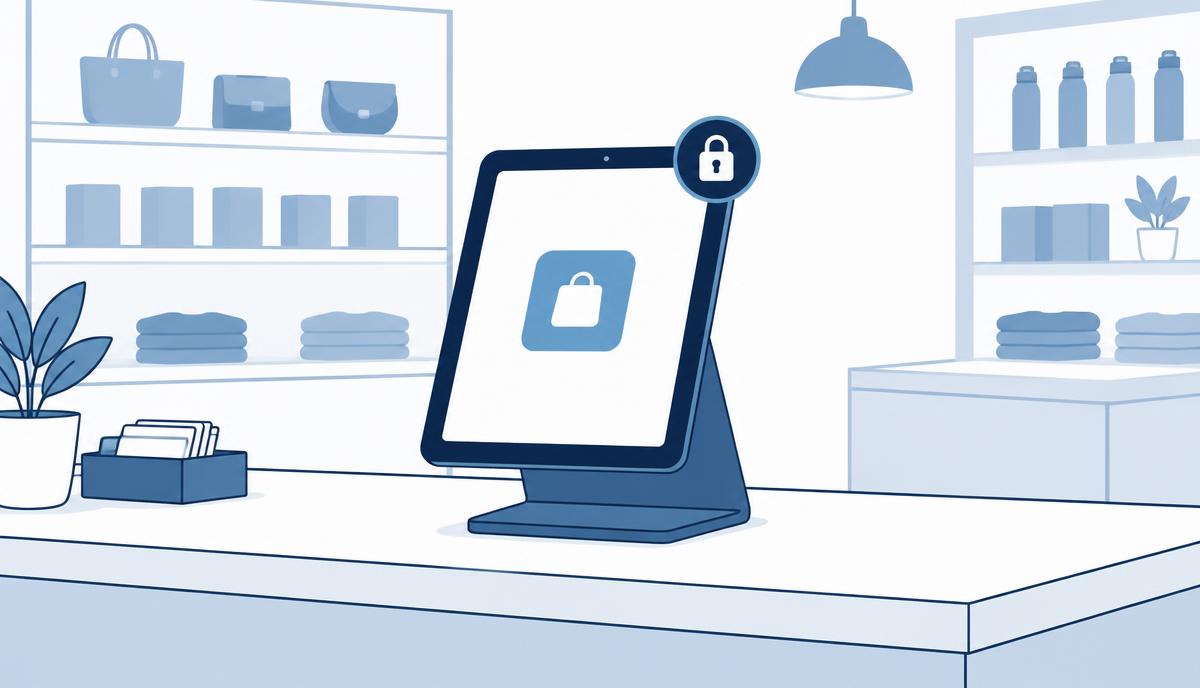
A multi-user tablet standing in a public space carries different risks from a personal phone – so it needs a different kind of control.
Tchibo stores have both customer-facing and staff tablets on display. The requirement is simple to state: these devices must be locked down, restricted and managed remotely. In this article we do not describe Tchibo's specific solution; instead we look at the risks and capabilities behind such a requirement and where the Samsung Knox Suite – Enterprise Plan comes in.
Why is an in-store tablet different from a company phone?
A personal company phone has one owner: the employee who uses it. A tablet in a store, by contrast, stands in a public space, anyone can touch it and several people use it every day. This creates several risks.
- Anyone may try to leave the designated app, browse the web or change settings.
- Staff tablets give access to internal data or systems, so access must be controlled.
- The device can disappear or get damaged, and there is usually no IT person in the store.
- Several sites need the same experience, on the same software version.
Kiosk mode and restrictions with Knox Manage
With the Knox Manage Kiosk Wizard, a tablet can be locked to a single app or a fixed set of apps. Customers cannot leave the catalogue, staff see only the apps they need. Policies can block the settings menu, app installation, the browser or USB data transfer, and enforce passwords and encryption.
Event-based policies are useful in retail too: rules can change by time (stricter outside opening hours), Wi-Fi network or geographic area. If a device leaves the store area, it can be locked automatically. If lost or stolen, it can be locked, suspended or wiped remotely.
Remote support when there is no IT in the store
Store staff are not IT specialists, and they shouldn't need to be. With Knox Remote Support, the central helpdesk sees and controls the Android tablet live, takes screenshots and sends files. Roles define who may start a session and whether they can only view or also control the device. A stuck app can be fixed in minutes, without a site visit.
Knox Manage and Knox Remote Support are also included in the Essentials Plan. For a small tablet fleet across a few stores this is often enough. In a larger, multi-site network, however, further questions arise.
What does the Enterprise Plan add on a multi-site tablet fleet?
The following are general capabilities. We do not present them as Tchibo results, but because they typically come up in a larger store network.
Uniform firmware and windowed updates (Knox E-FOTA)
If the store app is tested on a specific Android version, you don't want tablets updating themselves during opening hours. With E-FOTA the approved firmware can be locked, updates scheduled into an after-closing window and rolled out gradually, starting with a few stores. A test campaign can run before a live update.
Battery and network health (Knox Asset Intelligence)
Tablets that are always on and always charging see their batteries degrade over time. Asset Intelligence shows battery health, app crashes and Wi-Fi drops across the fleet, so you can see which store has weak coverage or a device due for replacement.
Enforced enrollment for new devices (KME Advanced settings)
For new or replacement tablets, Knox Mobile Enrollment enrolls them into the EMM at first power-on. Advanced settings enforce this: if a device does not register within the set time, it locks automatically. So even a tablet taken straight out of the box cannot end up on the counter unmanaged.
Checklist for deploying in-store tablets
- Which apps run on customer tablets and which on staff tablets?
- Do you need a single-app or multi-app kiosk view?
- Which functions must be blocked (settings, browser, installation, USB)?
- Do different rules apply outside opening hours or outside the store?
- Who provides remote support, and with what permissions?
- When may devices update, and who approves a new version?
- How do new and replacement devices arrive, and who enrolls them?
- How many stores and devices are involved – this determines the plan and licence count.
If you are planning a tablet fleet for stores or customer areas, request a licence quote – we will help you choose the right plan and configuration.
Request a licence quote for the Knox Suite Enterprise Plan
Get in touch: our specialists help you choose the right licence and licence count, and support configuration and operation.
Request a licence quote